Turn WhatsApp from a busy inbox into a managed customer operation
Connect supported WhatsApp Business configurations to QualiBot, give the team one workspace and let Brain handle approved first-response, qualification and tool-based workflows.
Meta Cloud API, 360dialog and Twilio are the native path today. Additional providers are on the roadmap.
A human agent can take the call from here — Brain hands off the moment a customer wants to talk live.
Get the number connected, then keep it healthy
Phone-number health, quality rating and messaging-limit information are available for Cloud API configurations.
QualiBot keeps your approved WhatsApp templates synchronized and ready to send, using the template authoring tools your provider already gives you.
One number, a whole team behind it
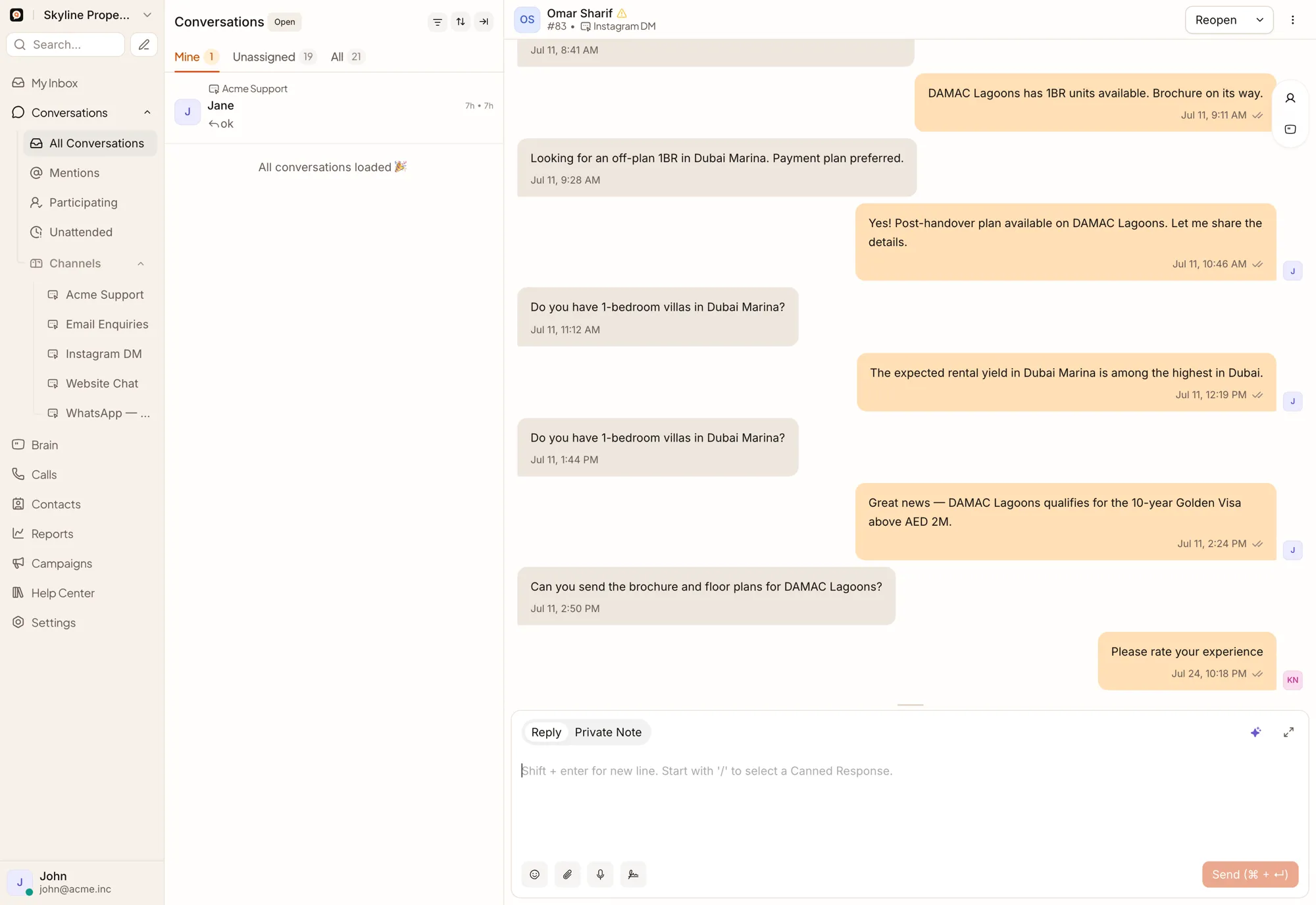
What Brain handles before a person is needed
Your team’s WhatsApp calling connects independently; Brain handles chat, messaging, templates and handoffs across every conversation.
Controlled, one-off outreach built for approval and consent
QualiBot supports one-off WhatsApp Cloud API campaigns when the feature is enabled.
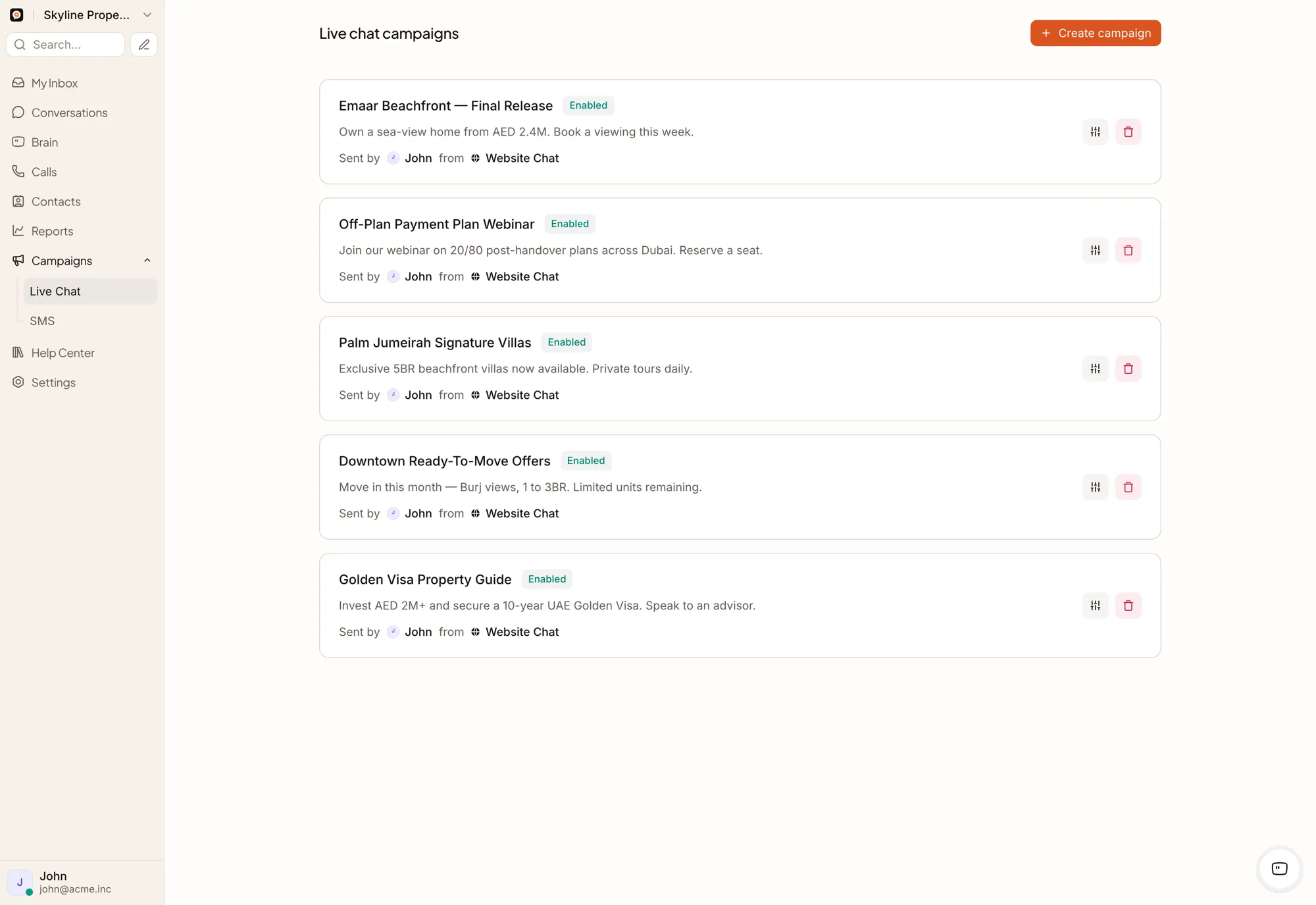
How campaigns work today
ConditionalClick-to-WhatsApp context
For supported WhatsApp and Twilio flows, referral information from click-to-WhatsApp activity can be captured in the incoming message payload.
Use it as message-level context alongside your existing attribution and analytics tools.
Consent stays operational
Campaign consent, suppression and opt-out run through your team’s operational workflow today.
Human agents on the call, in the browser
Enterprise deployments can enable WhatsApp Business Calling for supported Meta Cloud API accounts. Availability depends on Meta eligibility, account configuration and regional rollout.
Connect your team’s WhatsApp calling — Brain keeps handling chat, messaging, templates and handoffs.
Numbers, templates and costs
Can we use an existing number?
Yes, depending on its current provider and Meta configuration. Reauthorization or migration may be required.
Can several teams use several numbers?
Yes. Accounts can configure several WhatsApp inboxes and route them to different teams through automation rules.
Can QualiBot create WhatsApp templates?
QualiBot keeps your provider’s approved templates synchronized and ready to use, including a system-generated CSAT template. Broader template authoring inside QualiBot is on the roadmap.
Can QualiBot show WhatsApp costs?
Meta and provider charges are billed directly by your provider; QualiBot focuses on the conversation and campaign activity that drives them.
Does QualiBot manage opt-outs automatically?
Campaign consent, suppression and opt-out run through your team's operational workflow today.
Connect WhatsApp to the team, the data and the next action
Bring your number configuration, customer workflow and integration requirements to a focused demonstration.