Turn business capabilities into tools Brain can use
MCP gives Brain a structured way to discover and call approved tools from an external server, instead of hard-coding every action into one chatbot flow — inventory search, record lookup, file retrieval or a CRM update can each become a reusable capability.
Connect Brain to your tools over MCP and custom HTTP with per-tool scoping, approved actions and audit logging.
A structured way to register, discover and call tools
Every registered connector works the same way, so Brain's tool-calling behavior stays consistent from one integration to the next.
Scope stays with the connector, not the model
How an MCP request moves through QualiBot
Every call follows the same path from message to reply, so the same connector behaves predictably across every conversation.
Customer message
The customer asks a question inside an active conversation.
Brain selects a tool
Brain chooses an approved tool for the task from the enabled toolset.
Remote MCP server responds
The registered server lists and calls the requested tool over Streamable HTTP.
Structured result or file
The tool returns a structured result, or an image/PDF URL for attachment relay.
Reply, file or handoff
Brain answers, attaches the file, or hands off — and the tool call is captured in the session trace.
MCP for reusable toolsets, custom HTTP for a direct call
Use whichever fits the capability: a full MCP server when Brain needs a reusable, discoverable toolset with file relay, or a custom HTTP tool for a simple GET or POST action.
MCP connectors
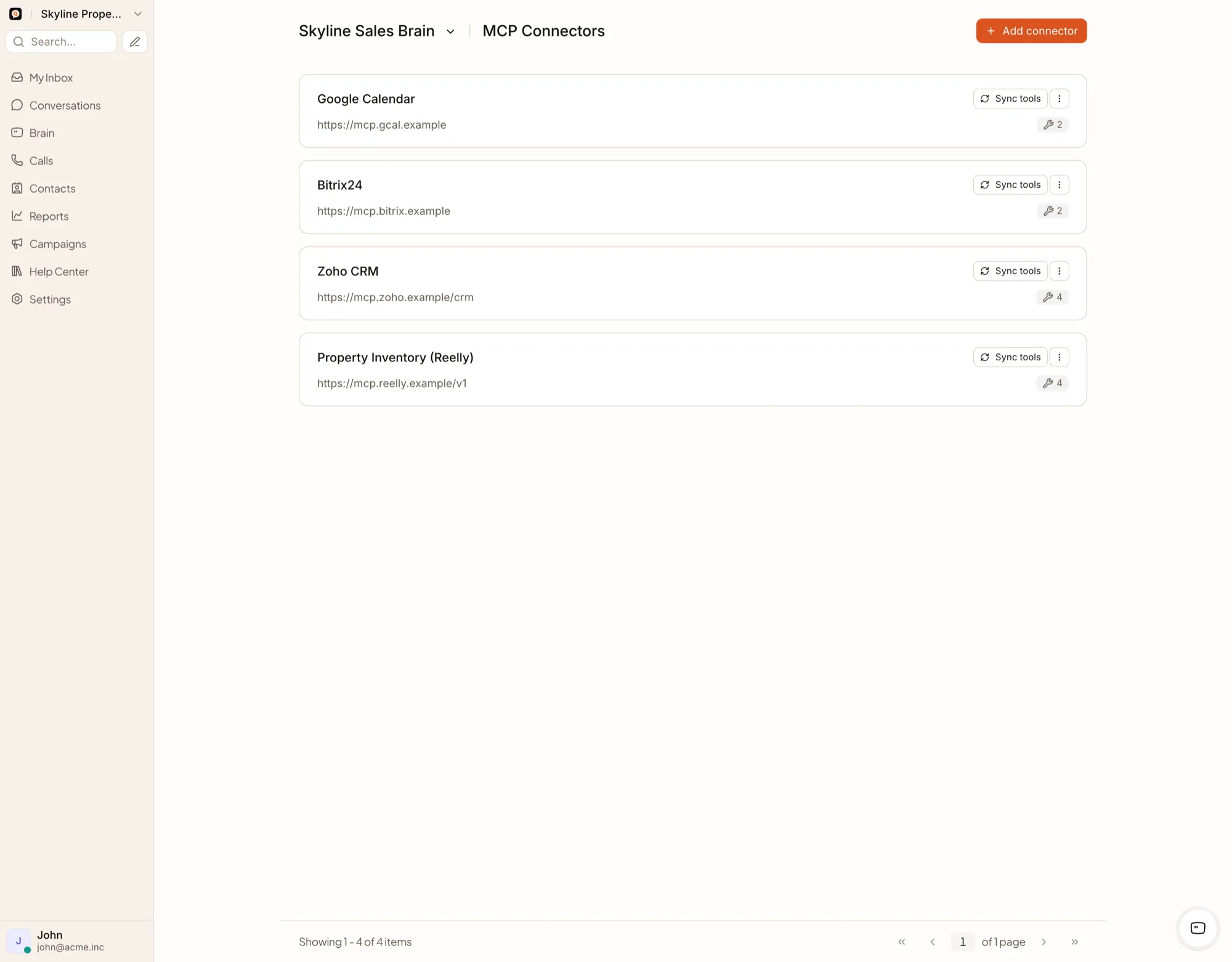
Register a remote MCP server, discover its tools through tools/list, label each read or write, and let Brain call the ones you enable.
Custom HTTP tools
GET and POST requests, bearer, basic and API-key authentication, Liquid-templated URLs and request bodies, response templating and safe HTTPS calls — configured once and available account-wide.
MCP for real estate
A real estate inventory MCP server may expose tools such as:
Brain works with structured project data returned by the connector rather than treating marketing descriptions as live inventory. Explore Real Estate →
What a production connector should define
Work through these ten questions before a connector goes live in a customer conversation.
Which system is authoritative
Which tools are enabled
Which credentials are read-only
Which operations can change data
Which fields may reach the AI model
Which tool outputs are logged
Which files may be relayed
What happens when the source is unavailable
How stale or missing data is presented
Which actions require an external approval process
Before you register a connector
How many connectors can an account register?
The current implementation supports up to ten MCP connectors per account.
Is there a limit on discovered tools?
There is no fixed per-connector tool limit — overall agent runs are bounded by Brain's turn limit.
Can MCP tools return PDFs?
Yes. QualiBot can relay URLs returned through supported content blocks or configured attachment paths.
Are files scanned for malware?
Every relayed file is size-limited before delivery. Connect only trusted, approved file sources, and add your own file-inspection layer where you need it.
Can QualiBot connect to a private-network MCP server?
Self-hosted deployments can allow private-network requests through an installation setting. Cloud deployments call a publicly reachable HTTPS endpoint.
Are MCP tools isolated per account?
Yes — connectors and credentials are account-scoped.
Build one toolset that Brain can reuse across conversations
Define the first business capability you want Brain to use, then expose it through a controlled MCP server.