Give Brain access to the system that owns the answer
Static knowledge can explain a policy. Connecting Brain to the system of record lets it confirm what is available now, which record belongs to the customer and which document should be sent.
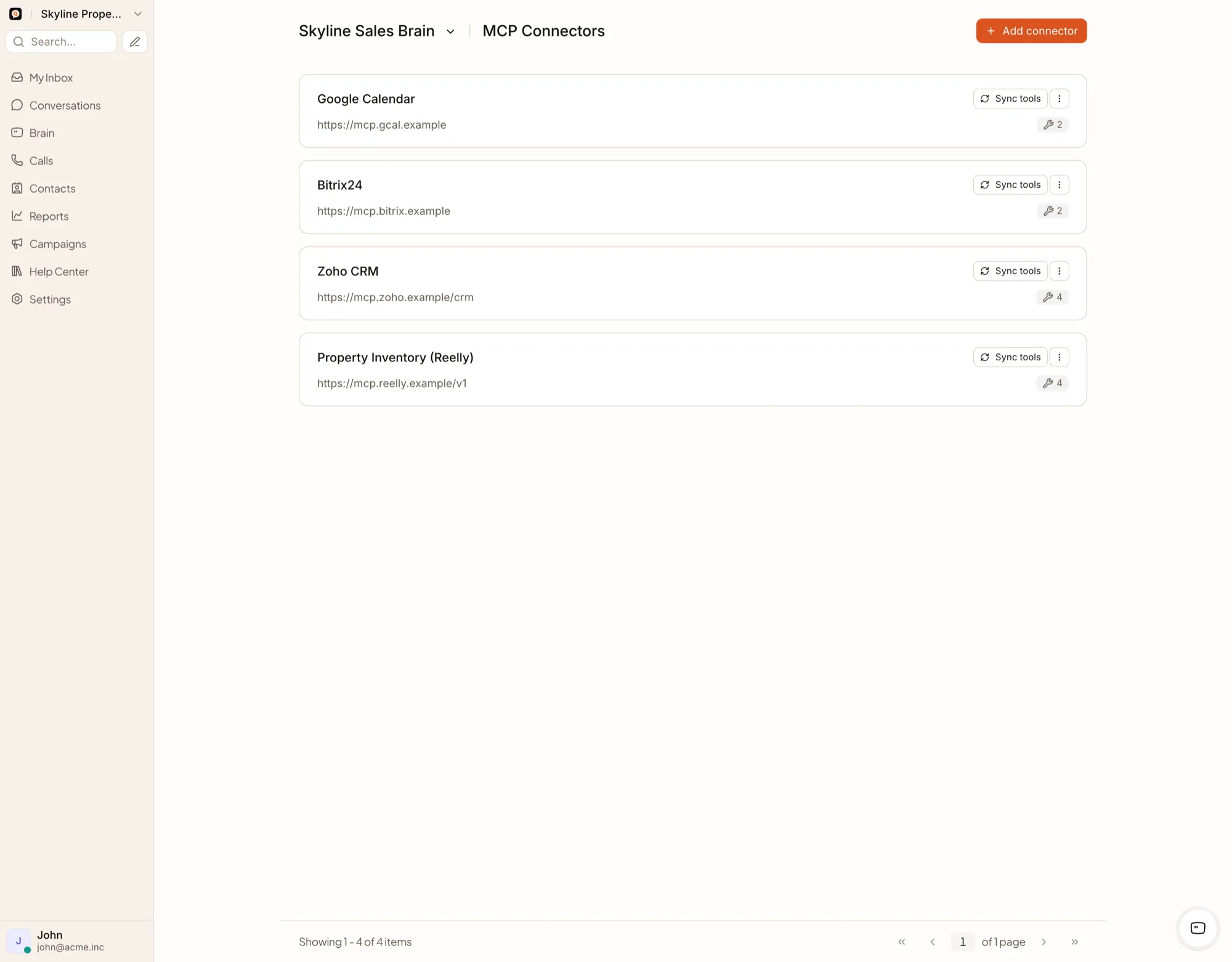
QualiBot connects Brain to approved business systems through MCP, custom HTTP tools, APIs, webhooks and middleware.
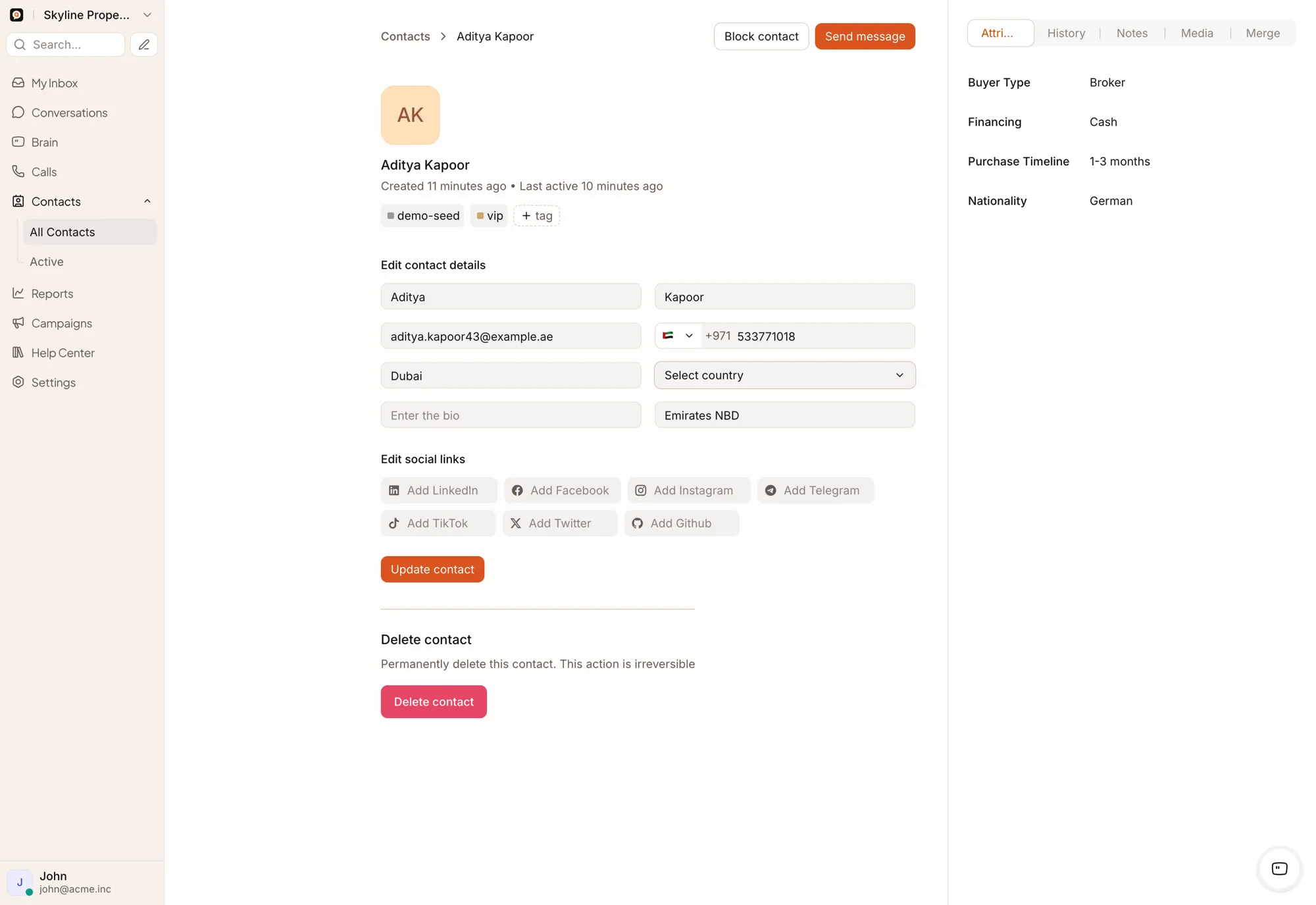
Read current information
A connected tool can help Brain answer questions such as:
The answer comes from the connected tool at the time of the request.
Perform supported external actions
When a connector exposes the capability, Brain may:
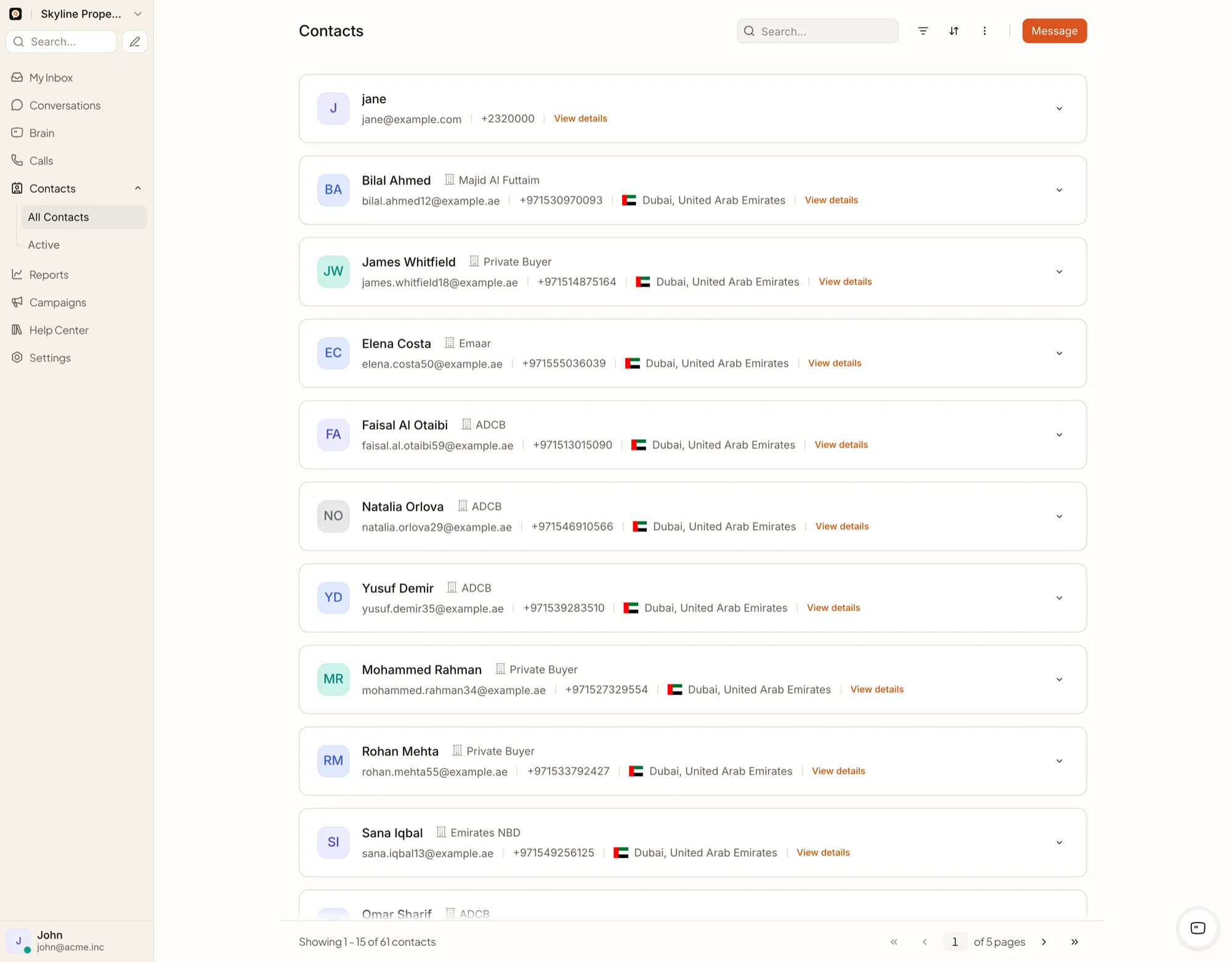
QualiBot runs the conversation, qualification and handoff layer around every deal — connect your external CRM for deals, opportunities and pipeline stages.
One CRM is native. The rest connect on your terms.
Connect each system as a scoped integration built around your workflow.
LeadSquared
NativeOne-way push integration from QualiBot to LeadSquared for leads and conversation activities.
Connector or custom implementation
ConnectorEach of these connects through an MCP connector, custom HTTP tool, API, webhook or middleware implementation built around your CRM.
A remote MCP server can expose a collection of structured tools
Custom HTTP tools
GET and POST requests, bearer, basic and API-key authentication, Liquid-templated URLs and request bodies, response templating and safe HTTPS calls — configured once and available account-wide.
APIs and webhooks
Read or update contacts, work with conversations and messages, connect custom channels, receive platform events, build external synchronization logic and implement integration middleware.
Files delivered from connected tools
QualiBot can download and attach up to the platform’s configured relay limits.
Every file relayed through MCP is size-limited before delivery. Keep attachments safe by design — connect only trusted, approved file sources.
Where the boundary sits
Can Brain read our internal system?
Yes, if the system can be safely exposed through a supported MCP server, HTTPS tool, API or middleware layer.
Can we limit Brain to read-only access?
Yes — apply read-only credentials and permissions in the connected system. QualiBot's MCP read/write label documents each tool's intent, and the connected system's own permissions provide the enforcement boundary.
Are connector secrets sent to the AI model?
No — authentication is applied by the connector layer, never inserted into the prompt. Review connector credential storage and infrastructure controls as part of your standard security assessment.
Can one connector be used by only one assistant?
Enabled MCP and custom tools apply account-wide today, so every assistant works from the same approved toolset.
Can the connected system return a PDF?
Yes, through MCP attachment relay, which delivers images and PDFs returned by a connected tool directly in the conversation.
Connect the conversation to the source of truth
Show us the system, the data Brain must read, the actions it may perform and the failure conditions that require a human.