Stop making customers and agents rebuild the conversation
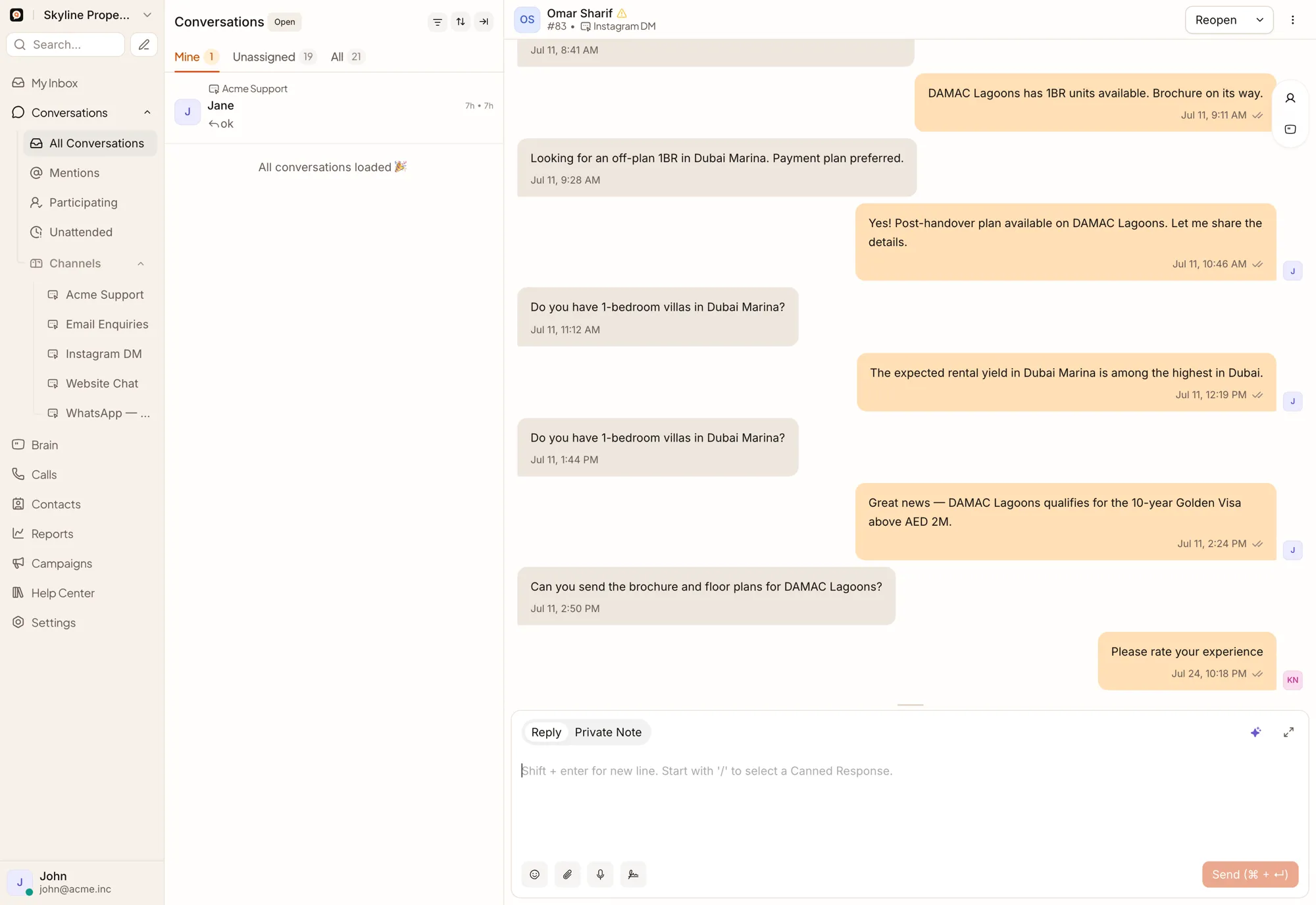
QualiBot’s omnichannel team inbox connects messages, files, customer context, AI actions and team collaboration in one workspace.
Live, conditional, and ready to add — stated plainly
Nothing on this page is marketed before it is verified in production.
Live and code-backed
NativeBeta or conditional
ConditionalChannels you can add
CustomGive every conversation a visible owner
Assign conversations to an agent, a team or an agent bot — using manual assignment, round-robin distribution, capacity-based assignment, team assignment, or automation rules based on inbox, language, priority, labels or attributes.
Brain is assigned to an inbox rather than assigned per conversation through automation.
Make the next step clear
Snooze until a custom time, tomorrow, next week, next month, or the customer’s next reply. Resolved and snoozed conversations can reopen when the customer returns.
Collaborate without exposing internal discussion
The customer sees one coherent response while the team collaborates behind it.
Reply efficiently
Read receipts and typing indicators appear wherever the connected channel provides them.
Saved views
Standard PostgreSQL-backed search works out of the box. Enterprise deployments can enable advanced OpenSearch-based search once an endpoint is configured.
See the customer beside the conversation
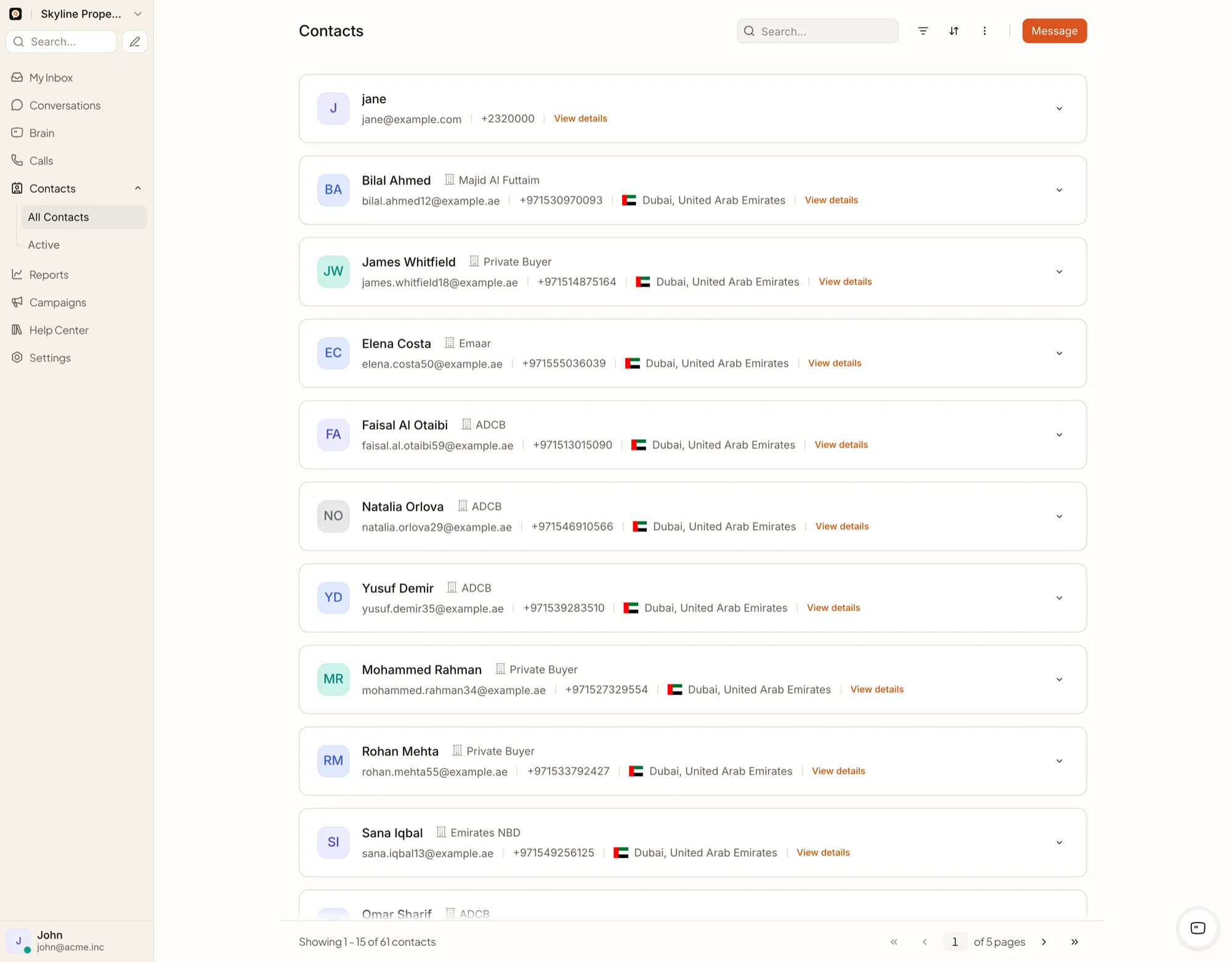
Contact identity can be unified by verified identifier, email or phone when the platform’s identify process is used, keeping matches accurate rather than guessing from a name alone.
What teams ask about access and routing
Can several agents use the same WhatsApp number?
Yes. A WhatsApp inbox can be used by a team through QualiBot assignment and permissions.
Can conversations be routed automatically?
Yes. Automation rules can assign agents or teams according to supported conditions. Round-robin and capacity-based assignment are also available.
Can a team restrict an inbox only to its members?
Inbox membership controls agent access. Team membership can add visibility, so the exact access model should be tested against the required organizational structure.
Can managers see previous customer conversations?
Yes. The contact history displays previous conversations across the contact's connected inboxes.
Does Brain see every previous conversation?
Brain works with the current conversation and selected contact context. Human agents can review a contact's full conversation history in the inbox alongside it.
Is there a QualiBot mobile app?
The backend supports mobile push notifications and an upstream-compatible application API today, with a dedicated QualiBot-branded mobile app on the roadmap.
Give your team one place to see the customer and the work
Replace fragmented inboxes and personal-phone workflows with a managed customer conversation operation.