Turn business content into answers your team can control
QualiBot combines public help centers with Brain knowledge generated from approved PDFs, crawled websites and curated FAQ responses.
From source document to approved answer
Every piece of knowledge Brain uses passes through the same review step.
Upload a PDF
Administrators upload PDF documents up to the current platform limit.
Crawl a website
Add a public URL and let QualiBot crawl linked pages through the configured crawler.
Generate candidate FAQs
QualiBot uses the source material to create question-and-answer pairs.
Review and approve
Administrators manage approved responses and FAQ suggestions.
Retrieve during conversations
Brain uses vector similarity to search the closest approved answers.
Every answer comes from an approved response
Brain doesn't search raw uploaded document chunks live in the conversation. It searches the approved FAQ responses your team generated and reviewed from those sources — the same review step that keeps every answer accountable.
Retrieval runs a cosine-similarity search across approved FAQ answers and returns the five closest matches for each customer question.
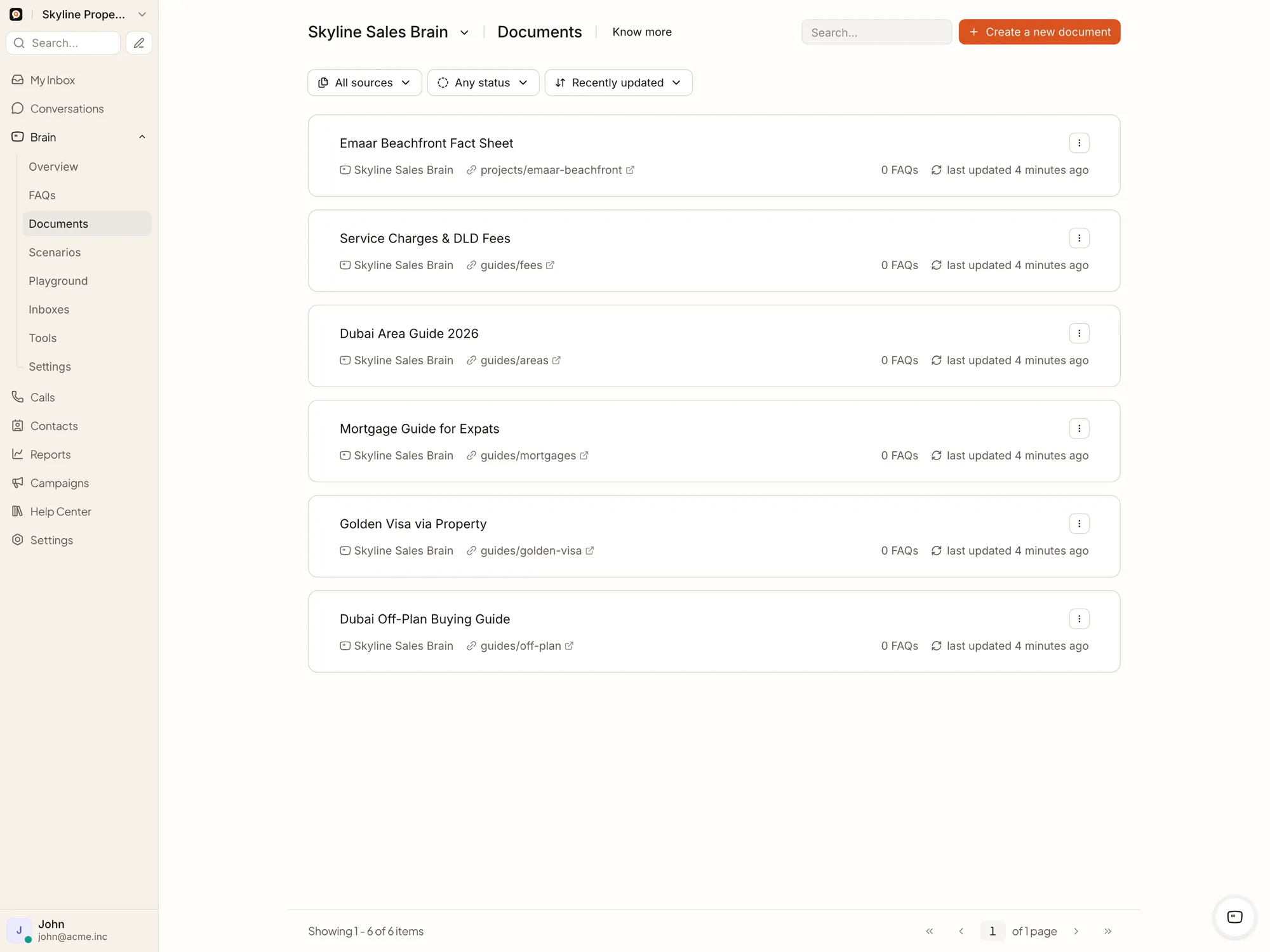
Create public support portals
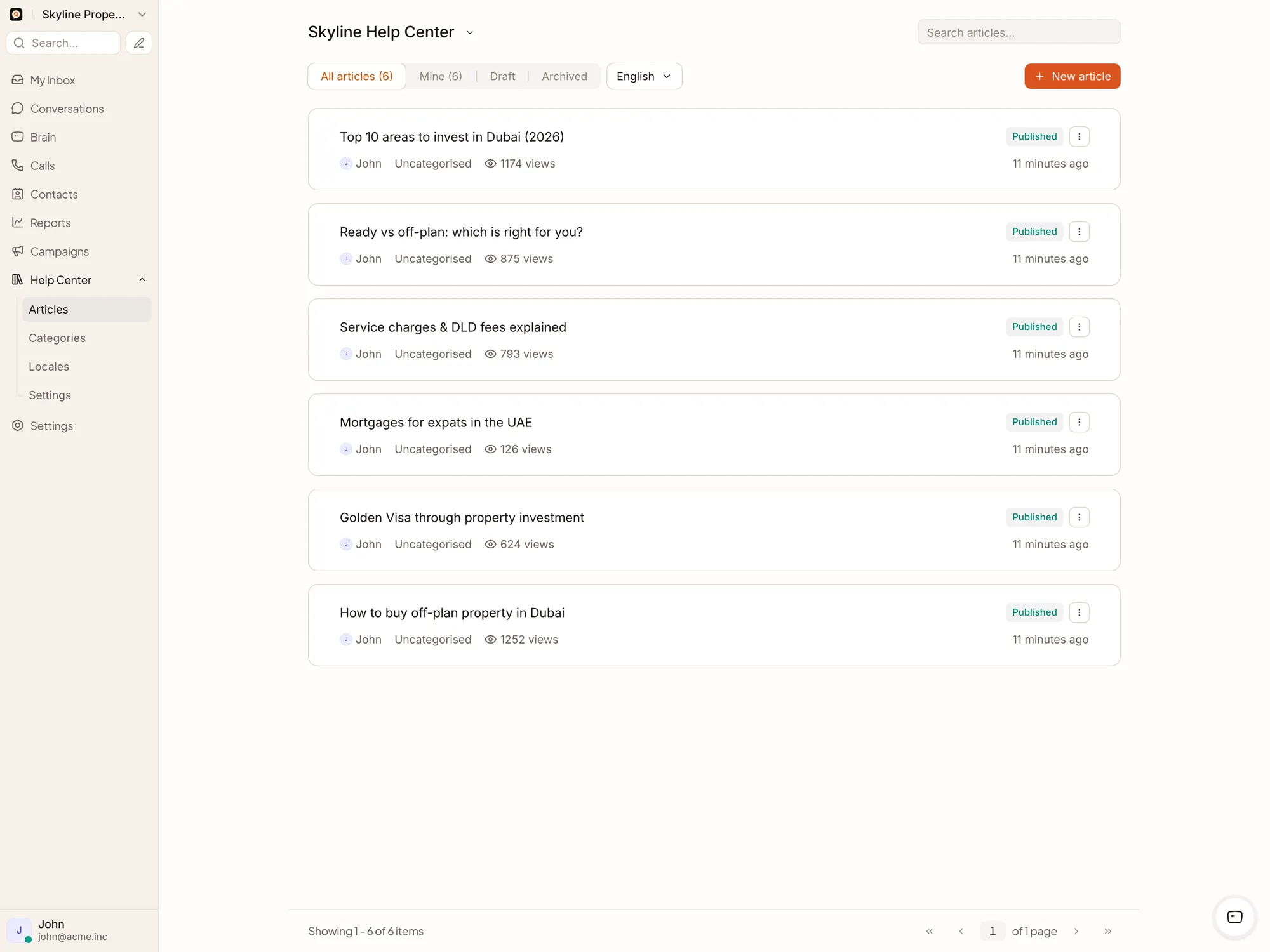
Add your public help-center URL as a crawled source, and its articles become part of Brain's approved knowledge.
Brain can propose new knowledge from what already worked
Observe the completed conversation
Generate a proposed question and answer
Compare with existing FAQ content
Present the suggestion to an administrator
Approve or dismiss
Add the approved response to Brain knowledge
Review sources on a regular cadence so Brain's approved answers stay aligned with current policy, and revisit any source a failed crawl marks for attention.
How knowledge stays approved
Can we upload Word or CSV files?
Direct document upload supports PDF. Other content can be published on a crawlable page, or converted to PDF, so it still reaches Brain's approved knowledge.
Can Brain show sources?
Yes. Customer-facing URL citations can be enabled, and agents can inspect source information in V2 Brain sessions.
Can different assistants have separate knowledge?
Yes. Documents and approved responses belong to a specific assistant. If one assistant serves several inboxes, that knowledge is shared across those inboxes.
Does QualiBot automatically remove deleted web pages?
A failed sync marks the source as failed for review; its existing approved FAQ responses stay in place until you remove them.
Build knowledge Brain can cite, agents can review and customers can trust
Start with one policy, product catalogue, project library or support domain.